
Open schedule registration
Clinic visits, day care, home rehabilitation, and other family plans can be added from the home screen.
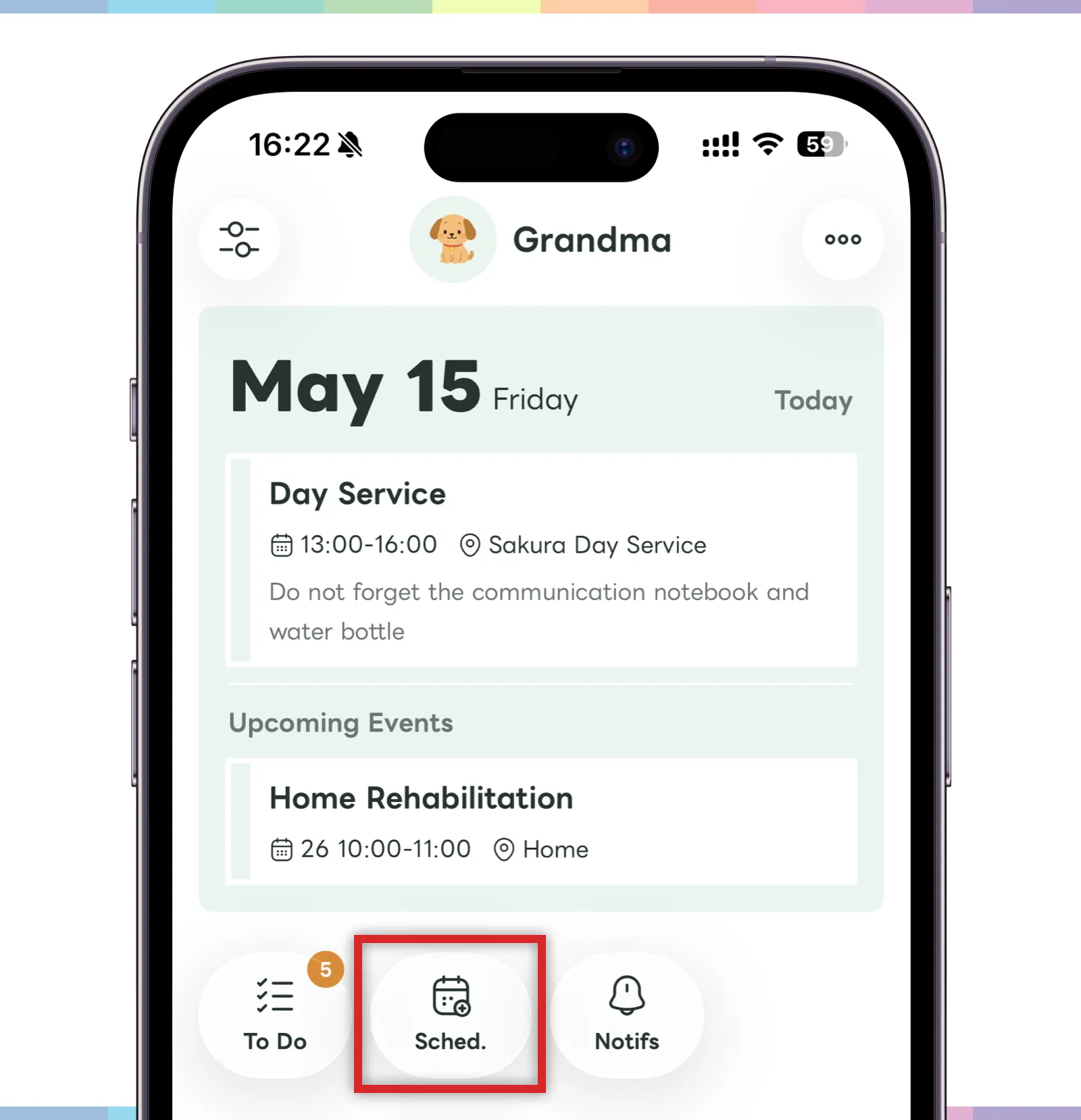
- Tap “Add schedule” at the bottom of the screen.
- The schedule registration screen will open.
Schedules can be checked from the home screen and calendar. Enter dates and places clearly so family members can understand the plan.
Create a schedule
On the schedule registration screen, enter the schedule details, start and end time, place, and memo.
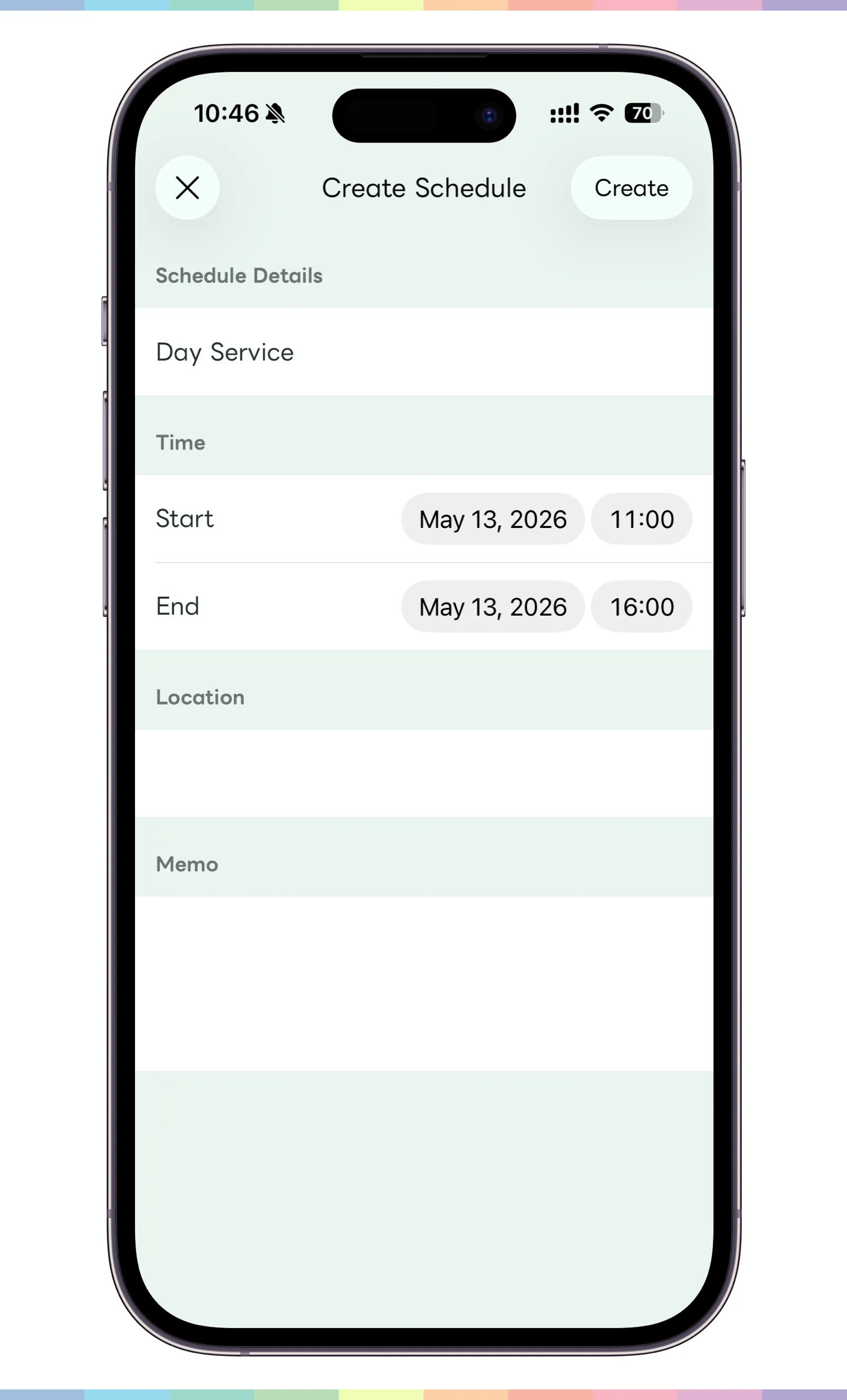
- Enter the schedule details and the start and end time.
- Add a place or memo if needed.
- When the input is complete, tap “Create” in the top right.
Edit a schedule
Created schedules can be checked from the home screen or calendar screen. If the date, time, or place changes, long-press the schedule to edit or delete it.
- Find the schedule you want to edit on the home screen or calendar screen.
- Long-press the schedule.
- Choose edit or delete.