
Send a reaction or reply
When you check a family member’s post, you can send a reaction or reply. Even a small response can help the person doing daily care feel seen.
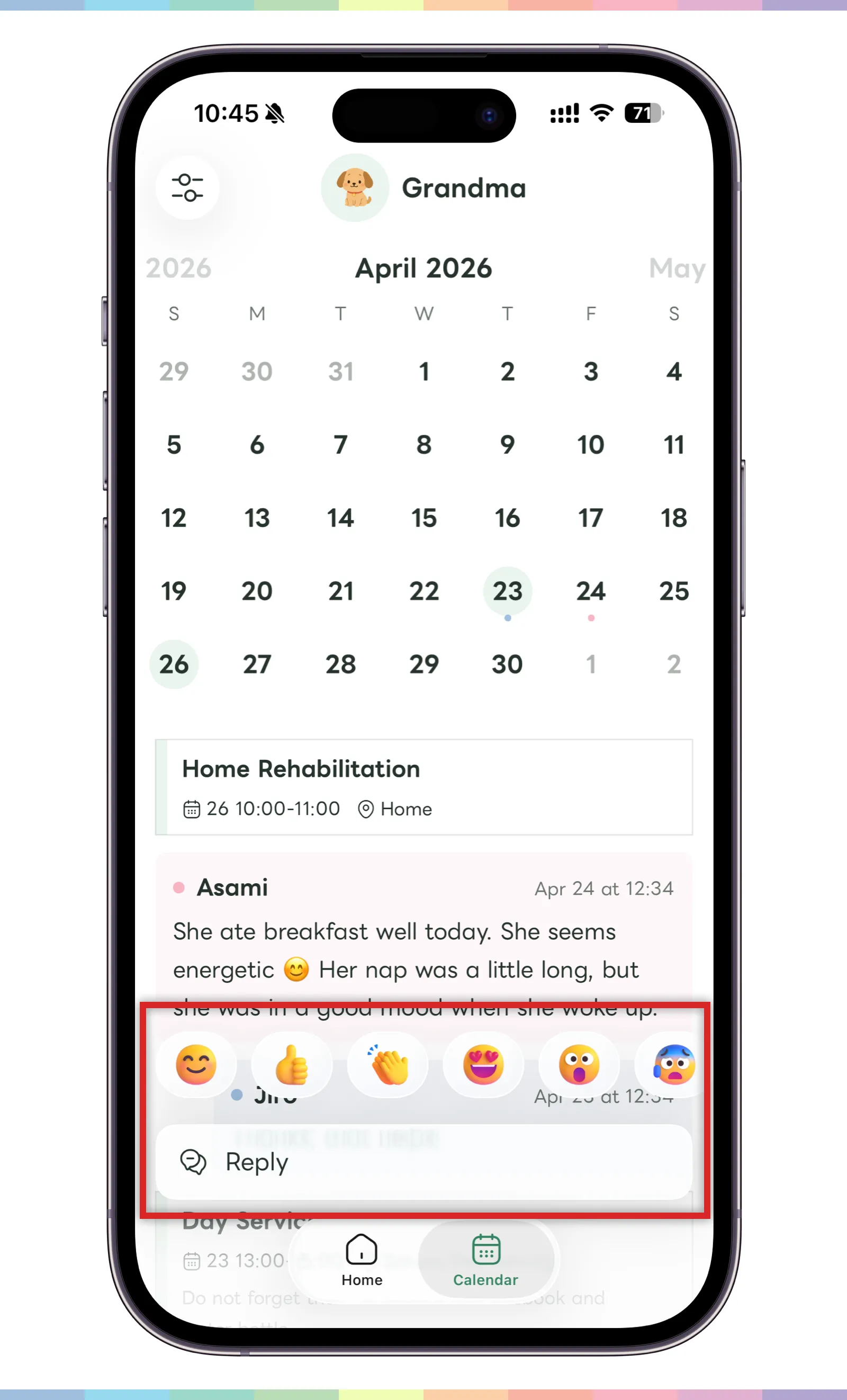
- Long-press the post you want to react to on the home screen or calendar screen.
- Choose the reaction you want to send from the displayed reactions.
- If you want to write a message, tap “Reply.”
- Enter your reply and send it.
Reactions are meant to gently show that you checked an update or want to say thanks. Use them to support family sharing, not to pressure or blame someone.